AI Agent
What Happens When an AI Agent Reads Your Customer Orders
Your team already knows the inbox is the problem. Here is what actually happens when an AI agent takes over the order flow, step by step, from email to ERP.
|
Alex
|
|
~5 min
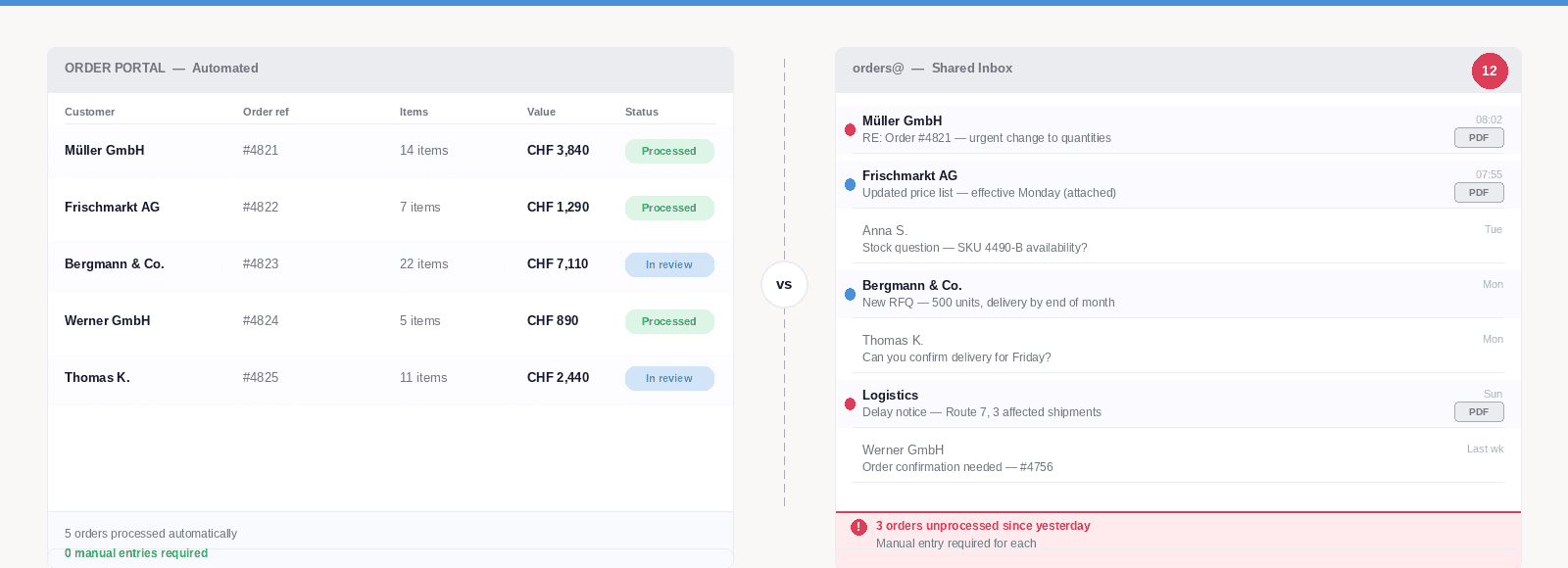
Last week we established something most operations teams already know from experience: the inbox is not a temporary problem. Your most important customers order by email. They did last year and they will next year. The question is not how to move them to a portal. The question is what happens to an order from the moment it arrives until it is in your system.
That gap has always existed. For most teams, a person bridges it manually. This post is about what it looks like when an AI agent bridges it instead.
No architecture diagrams. No product marketing. Just the steps.
What the Agent and Its Skills Actually Are
Before the walkthrough, a quick frame that makes the rest concrete.
Hoshii works through AI Agents assigned to a specific inbox. The agents have Skills activated on it. A Skill is a defined capability: Order Processing, Complaint Routing, Price List Processing. You choose which Skills your agent has, and you give it Instructions that reflect how your business works. "If an order exceeds 50,000, flag it for my approval before it goes anywhere." "Orders from these five accounts are always urgent." The agent applies those rules to everything it handles.
The Order Processing Skill is what handles inbound customer orders. Here is what it does.
Step by Step: From Email to ERP
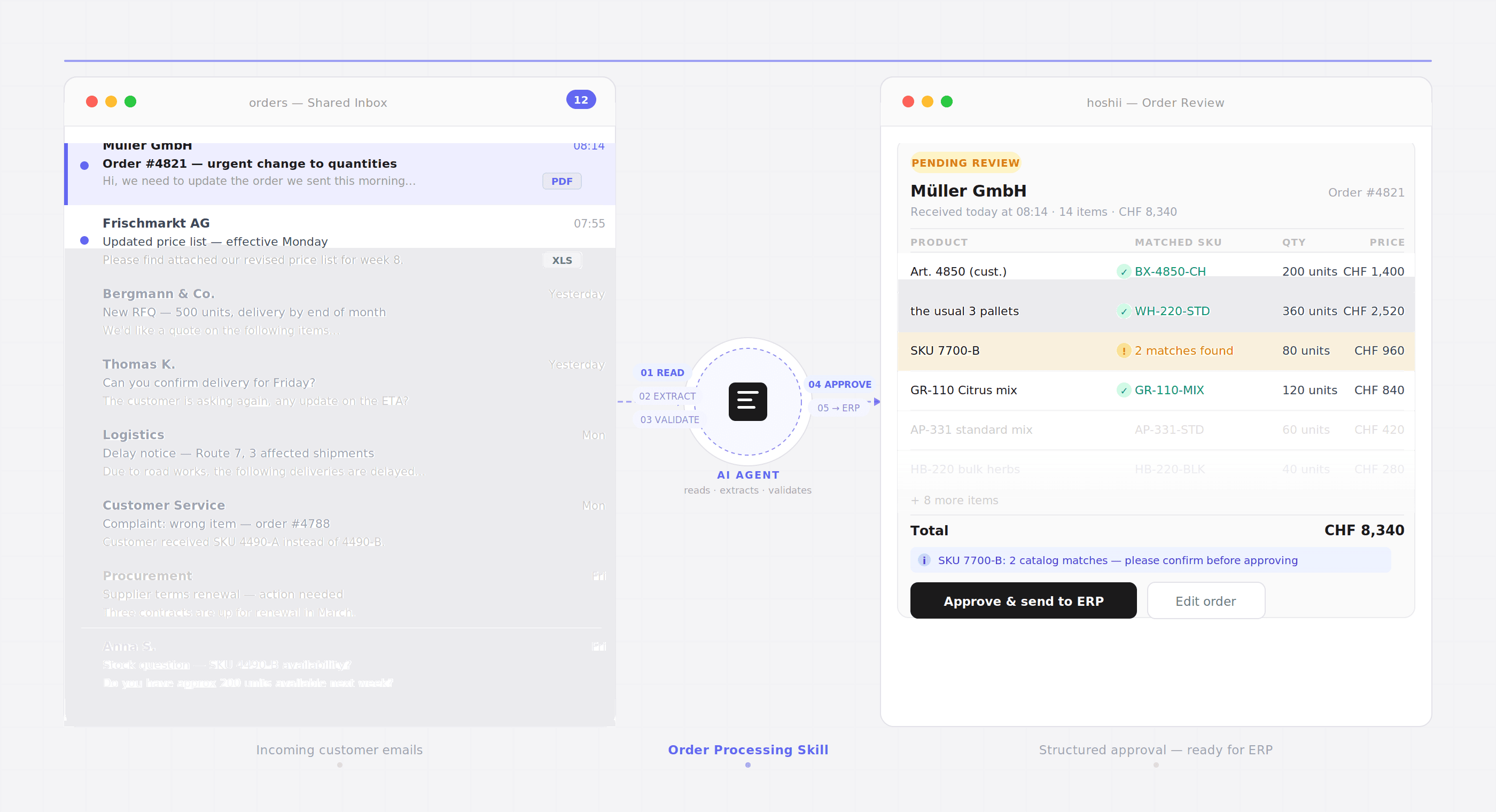
01 The agent reads the email and recognises it as an order
The agent monitors your inbox continuously. When an order email arrives, it identifies it as such regardless of format: a formal purchase order attached as a PDF, a list typed directly into the email body, a reply to an existing thread with updated quantities, or a short message from a long-standing customer that just says "please send the usual." No specific subject line or format is required. The agent reads for intent.
02 It extracts the order lines
Every product reference, quantity, unit and delivery detail is pulled out of the email. This includes informal language. When a customer writes "the usual 3 pallets," the agent matches that to the correct SKU and quantity based on their order history. When they use their own internal article numbers instead of yours, the agent maps them to your catalog codes. These mappings are not pre-programmed. They are learned over time from your team's corrections and approvals.
03 It validates against your data
With a batch sync, the agent checks extracted order lines against catalog data that refreshes daily: product codes, pricing, availability. With a live connection to your ERP, validation happens in real time against current stock levels, customer-specific pricing tiers and credit status. Any discrepancy gets flagged before anything is created. The agent does not guess or override. It surfaces the issue for your team to decide on.
04 Your team sees a clean summary and approves
What your team reviews is not a forwarded email. It is a structured summary: customer name, order lines, quantities, prices, flags requiring attention. They approve, adjust, or push back. Nothing reaches your ERP without a human sign-off. This is the design, not a limitation. Routine volume is handled. Genuine exceptions stay with the people who know how to handle them.
05 The order is created and the confirmation goes out
Once approved, the order is created in your ERP automatically and the confirmation is sent to the customer. The full cycle, from email arriving to confirmation sent, takes minutes. Not because corners are cut, but because the manual steps that normally introduce delay, rekeying data, cross-checking article numbers, opening tabs, have been removed from the chain.
What the Agent Learns Along the Way
The steps above describe day one. The part that changes the economics over time is what the agent retains from each interaction.
In the first week, it handles the straightforward cases and flags the rest. Your team corrects and approves. Each correction is a data point: how this customer abbreviates product names, what their standard order quantities look like, which of their requests need special handling.
Within a few weeks, the agent recognises your most active customers by their patterns. It knows which accounts always use their own article numbering, which ones frequently change quantities after confirming, which suppliers send price updates in a format that does not match their previous one.
By month three, the agent handles the large majority of volume without needing human input on every step. Your team focuses on the cases that actually need judgment: a new customer with an unusual first order, a request outside normal parameters, a situation where a phone call matters more than a fast confirmation.
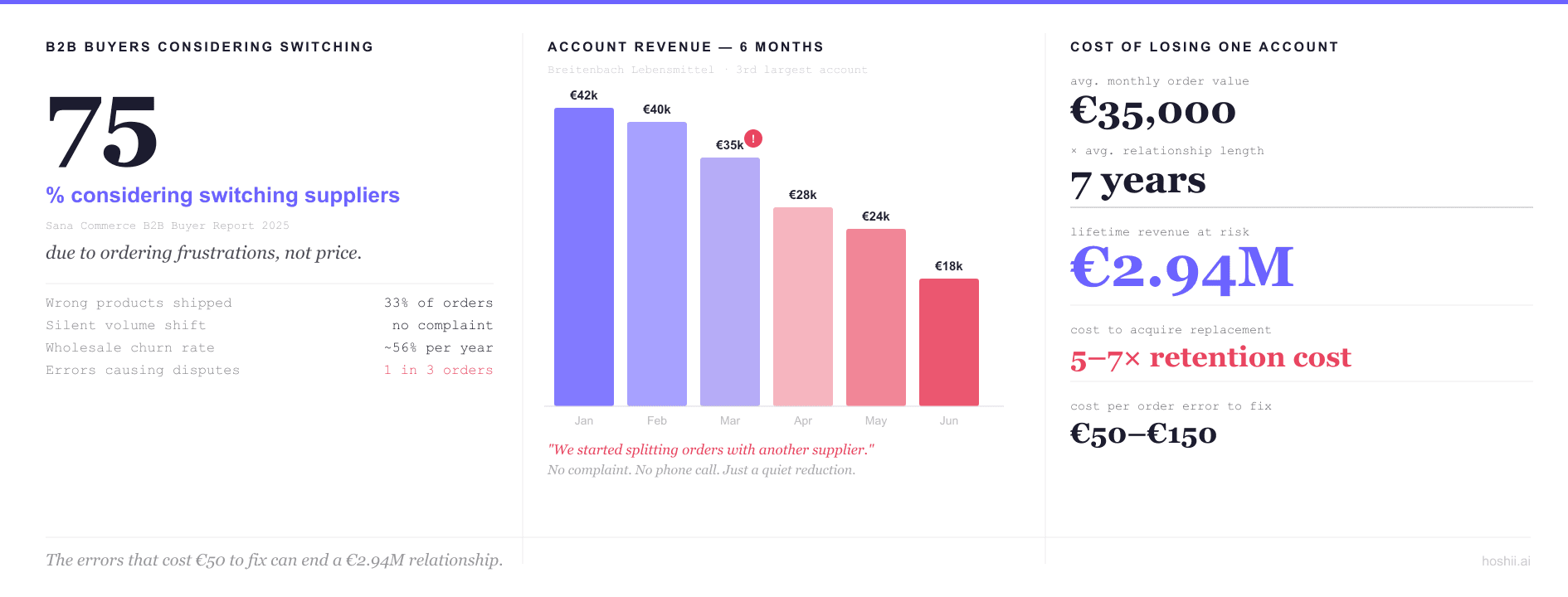
This compounding effect is documented beyond B2B software. A McKinsey analysis of order-to-cash processes found that manual steps in this layer create EBITDA leakage of 3 to 5 percent, most of it invisible to standard reporting. The agent does not just speed up the process. It removes the surface area where errors accumulate quietly over time.
What Your Team Actually Gets Back
The honest answer is not "hours of free time." Operations teams in wholesale and distribution are not sitting idle once orders are entered. The gain is different.
It is the ability to respond to a 4pm urgent order before the cutoff. It is catching pricing mismatches before they become customer disputes. It is being able to onboard a new account without adding headcount to absorb the volume. And it is giving your experienced people work that uses what they actually know, rather than their ability to retype data accurately under time pressure.
The agent handles the communication layer: the reading, the extracting, the matching, the confirming. Your team handles what requires a person. That division was always the intention. The agent makes it practical.
Want to see the Order Processing skill in action against your own inbox? Book a demo and we will walk through it with your real order types.